

Veo3.1 Video creation reimagined.
Veo3.1 brings your imagination to life with photorealistic video and audio generation. From text to video, with realistic physics and synchronized sound.
Try AI Video Generation
Production preview
Powerful AI Video Generation
Create professional-quality videos with advanced AI technology
Photorealistic Video Generation
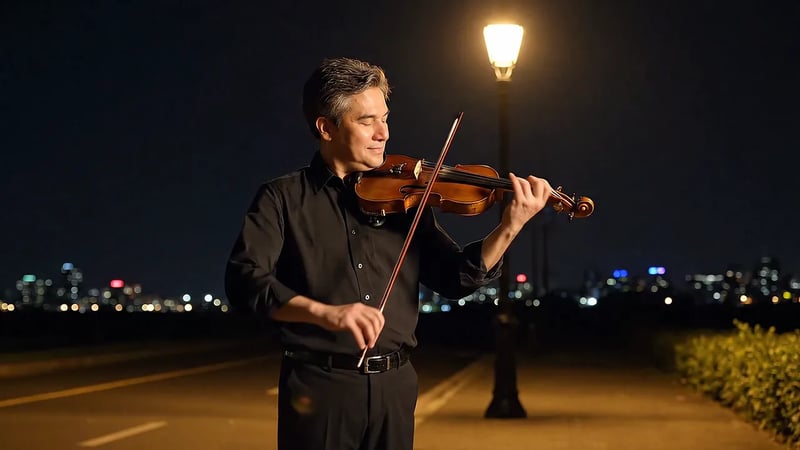
Generate stunning, high-quality videos that look incredibly realistic. Veo3.1 creates cinematic footage with accurate lighting, textures, and details that bring your vision to life. This night scene of a violinist under a street lamp is a Veo 3.1 example from the prompt "A gentle man is playing the violin by the roadside on a quiet night".
Realistic Physics Simulation
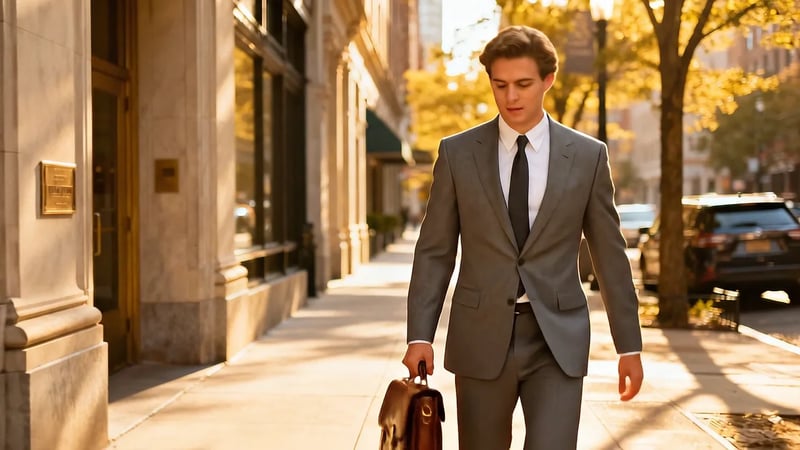
Experience natural movement and interactions. Veo3.1 simulates real-world physics, from bouncing basketballs to flowing water, so motion looks natural instead of floaty. In this image-to-video prompt, a man in a grey suit walks down a sunny street and slips on a banana peel.
Synchronized Audio Generation
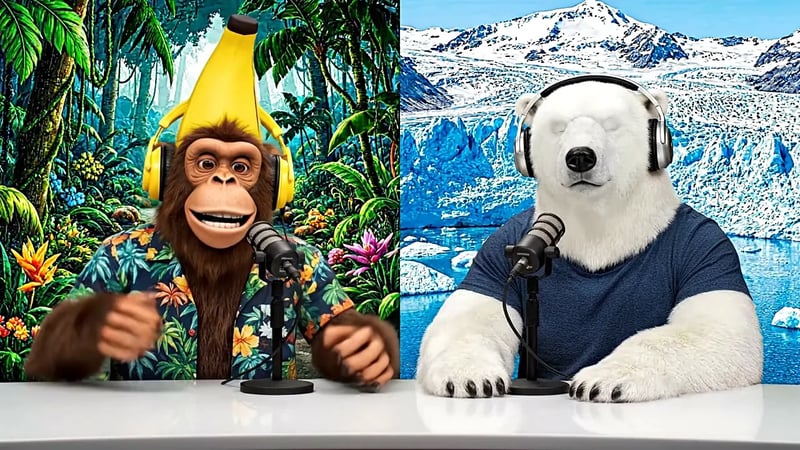
Videos come alive with perfectly matched sound. Generate dialogue, sound effects, and ambient audio that synchronizes seamlessly with your video content for a complete multimedia experience. Lines written in quotes in the prompt become speech, as in this podcast opening by a monkey and a polar bear — turn the sound on to hear it.
Start and End Frame Control
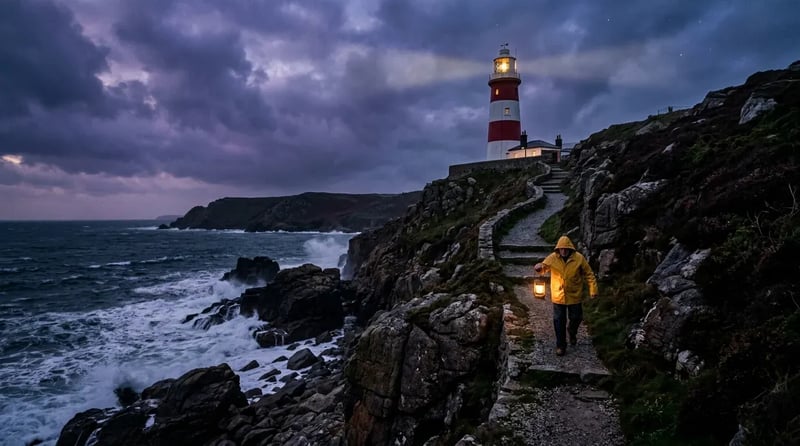
Upload the image a shot should start on, and add a second image for where it should end; Veo3.1 fills in the motion between them. The start frame can come from Nano Banana: this lighthouse still was made with Nano Banana 2 from a text prompt, ready to open in image to video and set in motion.
Next-Generation Video AI
Experience the power of Veo3.1's breakthrough technology
Multi-Shot Scenes
Describe the action, the editing pace and the camera in one prompt. This one asked for an agent breaking into a sprint, a team chasing him, fast cuts and low-angle tracking shots.
Start Creating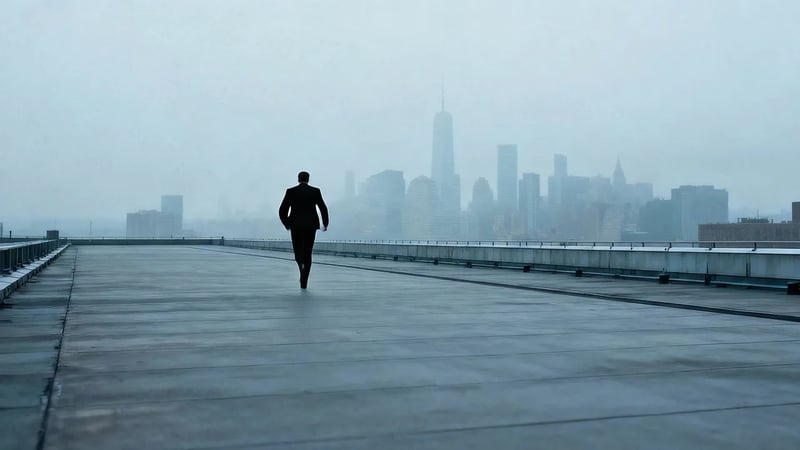
Multiple Style Support
Photoreal film, animation or dreamlike fantasy: name the look in your prompt, along with the lens and the lighting. This one asked for a ballerina on a moonlit stage in a dark forest, with fireflies and a camera circling her.
Start Creating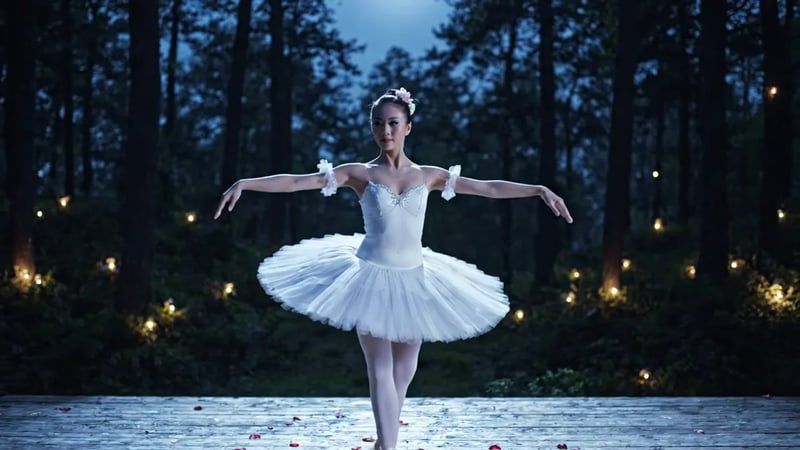
Enhanced Controllability
Veo 3.1 follows prompts more closely than Veo 3, so you can direct a scene beat by beat. In this Veo 3.1 Lite text-to-video clip, the prompt set out every beat in order: two shoppers reach for the last cereal box, grab it together, laugh, and share it.
Start Creating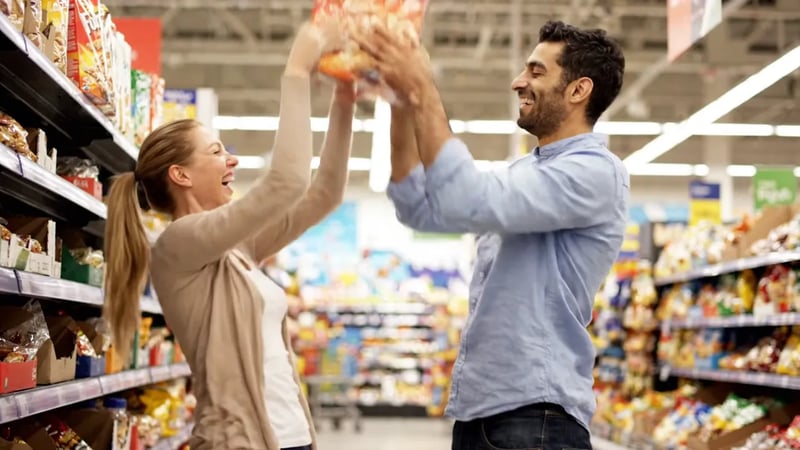
Fast Generation Mode
Veo 3.1 Fast and Veo 3.1 Lite make the same 8-second clips with sound for fewer credits. Use them for drafts and everyday posts, then run the prompt you like on Veo 3.1 for the final take. This golden-hour rooftop portrait was made on Veo 3.1 Lite.
Try Veo 3.1 Fast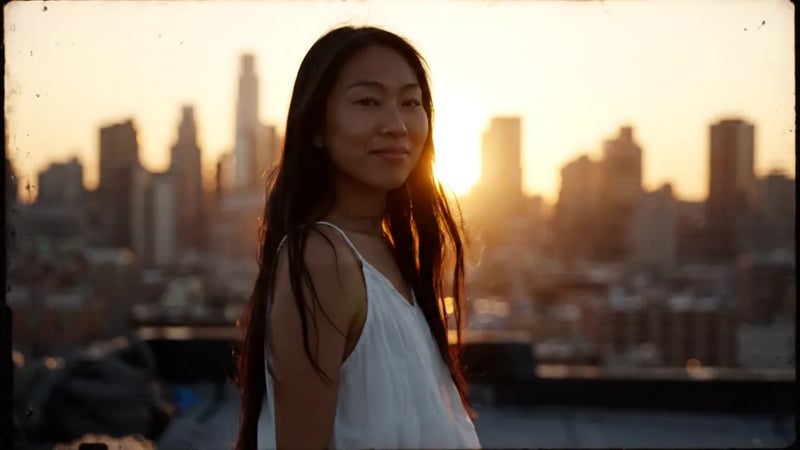
Pick a Veo 3.1 tier for each shot
Every tier makes 8-second clips with sound from a prompt or an image, at 720p, 1080p or 4K in 16:9 or 9:16. What changes is the level of detail, the credits per clip, and reference images.
| DefaultVeo 3.1 FastEveryday clips and the default hereGenerate | Veo 3.1The most detailed final shot | Veo 3.1 LiteThe lowest price per clip | |
|---|---|---|---|
| Best for | Everyday clips | Final, most detailed shots | Trying many ideas |
| Reference images | Up to 3 | — | — |
| Credits per 720p clip | 60 | 250 | 30 |
Nano Banana images and the Veo3.1 Agent
Make the still, then make it move — or let the Agent run both steps for you.
Create images with Nano Banana
Open AI StudioNano Banana, Nano Banana 2, Nano Banana 2 Lite and Nano Banana Pro generate images from a prompt and edit the photos you upload. Use them for a first frame, a product shot or a character sheet, then open the image in Veo3.1 image to video and describe how it should move. Nano Banana 2 can combine up to 14 photos of a product or character into one frame, at 1K, 2K or 4K.
Chat with the Veo3.1 Agent
Try the AgentDescribe what you want in plain words. The Agent drafts the prompt, picks a Nano Banana or Veo model, runs the generation and keeps refining in the same chat — for example, a product photo first, then an 8-second clip that animates it.
Everything You Need for Video Creation
From concept to final video, Veo3.1 provides comprehensive tools
Flexible Resolution Options
Create videos in 720p, 1080p, or 4K resolution. Choose the quality that best fits your needs and budget.
Multiple Aspect Ratios
16:9 landscape for YouTube and websites, 9:16 portrait for TikTok, Reels and Shorts.
Consistent Video Duration
Every Veo3.1 clip runs 8 seconds, long enough for one complete shot with its sound. Plan longer stories as a series of shots that share a character and setting.
Reference Images
Veo 3.1 Fast takes up to three reference images of a character, product or place, so they look the same across clips. Add them in AI Studio.
Image to Video
Start from a photo or a Nano Banana image and describe the motion: make the water flow, add wind to the trees, turn the camera around a product.
Real-Time Progress Tracking
Monitor your video generation in real-time with detailed status updates, and keep working while it runs.
Pricing
Choose the plan that works best for you
Enjoy Limited-Time 30% OFF!
Frequently Asked Questions
Veo3.1 supports two main features: Text-to-Video (generate videos from text descriptions) and Image-to-Video (animate static images into dynamic videos). Both modes support multiple resolutions, aspect ratios, and include synchronized audio generation. You can also add an end frame to image to video, create and edit images with Nano Banana, and use the Agent to run both steps in a chat.
It depends on the tier and on how busy the queue is. Veo 3.1 Fast and Veo 3.1 Lite are the lighter tiers, and Veo 3.1 spends more on detail. You can monitor the progress in real-time and leave the page open while it works.
Veo3.1 supports 720p, 1080p and 4K on all three tiers. You can choose 16:9 (landscape) for YouTube and websites or 9:16 (portrait) for TikTok, Reels and Shorts. Every clip is 8 seconds long.
Each video generation consumes credits based on the model and resolution. Higher resolutions require more credits: a 720p clip costs 30 credits on Veo 3.1 Lite, 60 on Veo 3.1 Fast and 250 on Veo 3.1. You get credits from a subscription or a one-time credit pack. New accounts start with 10 free credits, enough to try Nano Banana images; Veo clips need a plan or credit pack. Credits are displayed before generation so you always know the cost, and if a generation is blocked by safety filters, the credits come back to your balance.
Yes, all videos generated with Veo3.1 can be downloaded and used for your projects. On a paid plan you can use them commercially; results from free credits are for personal use. For questions, contact us at support@voo31.bentosaas.com. Please refer to our terms of service for detailed usage rights and commercial licensing information.
Nano Banana is Google's image model family. Here you can use Nano Banana, Nano Banana 2, Nano Banana 2 Lite and Nano Banana Pro to create images from text or edit uploaded photos. Any image you make can become the start frame of a Veo3.1 image-to-video clip.
The Agent is a chat workspace. Tell it the result you want, and it writes the prompt, chooses the model, runs the image or video generation and takes your feedback for the next version. It uses the same credits as the generator.
Start with Veo 3.1 Fast for everyday clips. Choose Veo 3.1 Lite when you are trying many ideas and want the lowest price per clip, and Veo 3.1 when a shot needs the most detail. Only Veo 3.1 Fast accepts reference images.
Start Creating with Veo3.1 Today
Write a prompt or upload a frame, and get your first 8-second clip with sound.